



Can Your PC Run OpenAI's New GPT-OSS Large Language Models?
These new AI models from the maker of ChatGPT are available for anyone to download and run, if you have enough RAM and processing power.
View Full Article

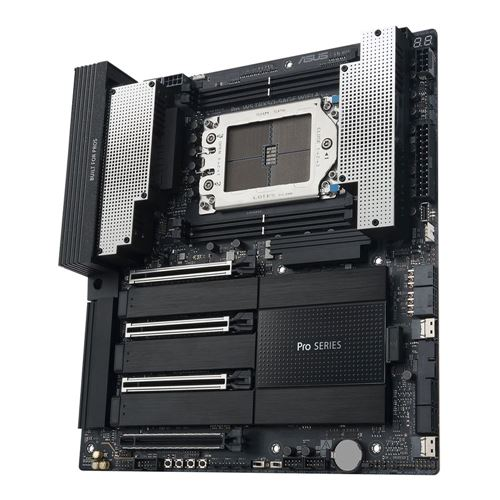
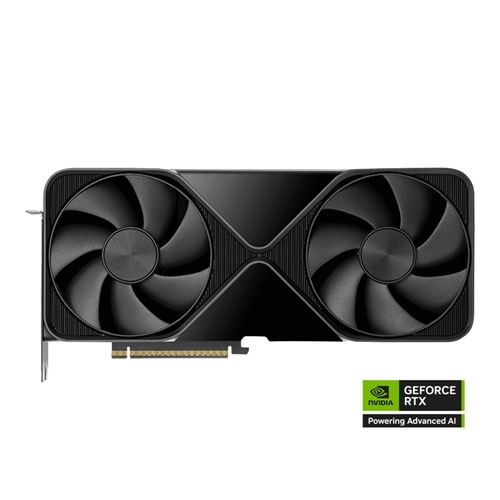
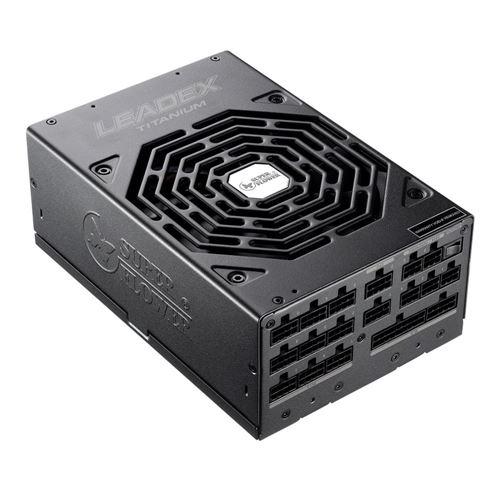
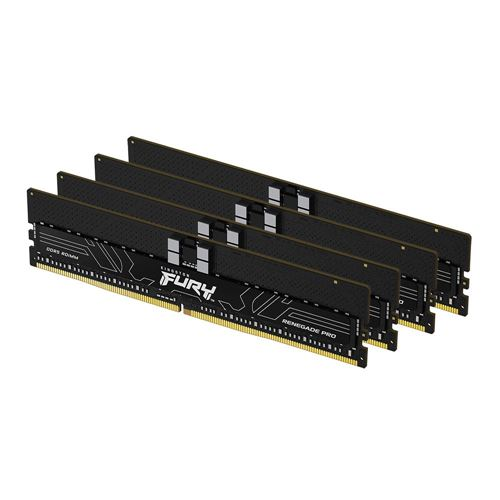
Pushing the limits of AI requires the right hardware. At Micro Center, you’ll find everything from Blackwell-based GPUs to high-performance systems capable of running 405B-parameter large language models locally. Whether you’re driving open-source research and development or building next-generation AI applications, we’re the retailer that supplies innovators, researchers, and enthusiasts with the tools to achieve cutting-edge artificial intelligence performance.


A Grace Blackwell AI supercomputer on your desk.
Find the best purchase option for you on the NVIDIA Marketplace.
Reserve NowFeatures
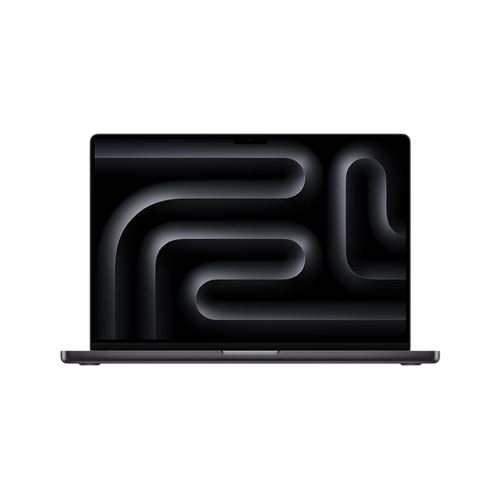
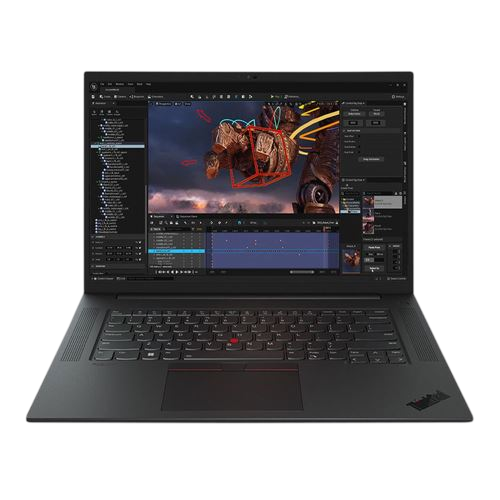
AI Pro workstations span a wide range of form factors, use cases, and software certifications. At Micro Center, we help you navigate the options between mobile and desktop systems, recommending configurations that fit everything from casual inferencing to the most demanding AI workloads. The first decision is where your work will run: fixed in one location, on the go, or a hybrid of both. Mobile points to a notebook workstation, fixed performance favors a robust desktop build, and hybrid setups often pair a portable notebook with solutions like the NVIDIA DGX Spark to offload heavier AI tasks to a compact “micro” desktop.
Features
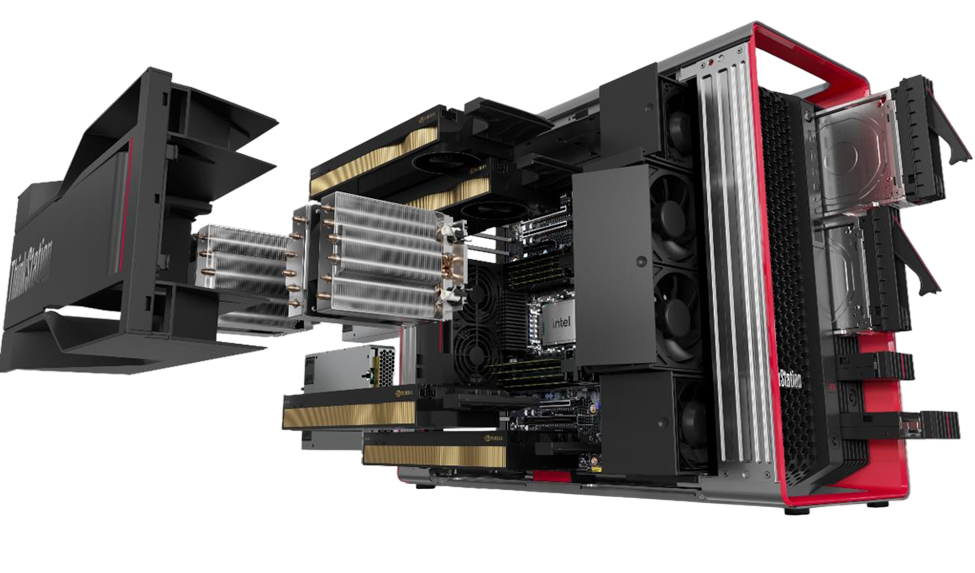 CPU Cooling
GPUs
Ram
CPU
Cooling
Drives
PSU
GPUs
Motherboard
CPU Cooling
GPUs
Ram
CPU
Cooling
Drives
PSU
GPUs
Motherboard
Choosing the right hardware for training or inference depends on your model size, precision requirements, and GPU memory capacity. This comparison makes it easy to see how different system builds perform across fine-tuning and inferencing tasks. Review VRAM needs, recommended GPUs, and system tiers (Good, Better, Best) to match your project’s scale.
| Model Type | Model Size | GPU VRAM Needed | Recommended GPU | Token/s | Good System | Better System | Best System |
|---|---|---|---|---|---|---|---|
| FINE TUNING | |||||||
| Full-fine tuning | 258.92 GB | 1.01 TB | 8xH100 - SXM5 (x2) | N/A | N/A | N/A | N/A |
| Full-fine tuning | 258.92 GB | 517.84 GB | 8xH100 - SXM5 | N/A | N/A | N/A | N/A |
| LoRa (2% trainable) | 258.92 GB | 279.63 GB | 3x RTX 6000 Blackwell MaxQ | N/A | N/A | N/A | Lenovo PX Xeonx2/3x6000BQ/1TB/8/P |
| LoRa (2% trainable) | 129.46 GB | 139.82 GB | 3x RTX 6000 Blackwell MaxQ | N/A | NVIDIA DGX SPARK (FE) | Dell Prec 7885 9965WX | Lenovo P8 9975WX/2x6000B |
| LoRa (2% trainable) | 64.73 GB | 69.91 GB | 1x RTX 6000 Blackwell | N/A | HP 22 G1A Mini 395+/128/2/P | NVIDIA DGX SPARK (FE) | PowerSpec AI 200 9975X/6000B |
| dLoRa (2% trainable) | 32.36 GB | 34.95 GB | 1x RTX 5000 Blackwell | N/A | Apple M4 Max/128/2 | Lenovo P3 Tower G2/CU9/5000B | PowerSpec AI 200 9970X/5000B |
| INFERENCING | |||||||
| float32 | 258.92 GB | 310.7GB | 4x RTX 6000 Blackwell MaxQ | Enter Value | N/A | N/A | Lenovo PX Xeonx2/4x6000BQ |
| float16/bfloat16 | 129.46 GB | 155.35GB | 4x RTX 6000 Blackwell | Enter Value | NVIDIA DGX SPARK (FE) | Dell Prec 7885 9965WX | Lenovo P8 9975WX/2x6000B |
| int8 | 64.73 GB | 77.68GB | 1x RTX 6000 Blackwell | Enter Value | HP 22 G1A Mini 395+/128/2/P | NVIDIA DGX SPARK (FE) | Dell Prec 7885 9965WX |
| int4 | 32.36 GB | 38.84 GB | 1x RTX 5000 Blackwell | Enter Value | Apple M4 Max/128/2 | Lenovo P3 Tower G2 CU9/5000B | PowerSpec AI 200 9970X/5000B |
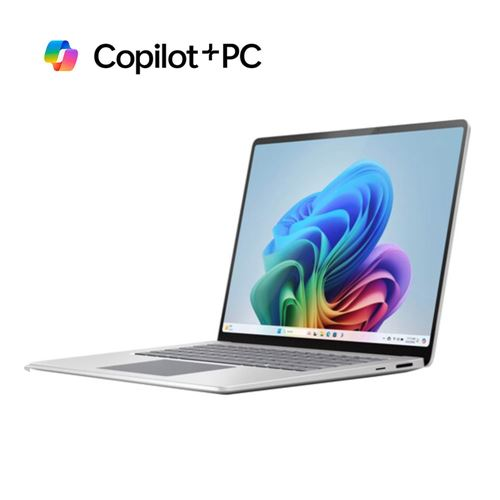
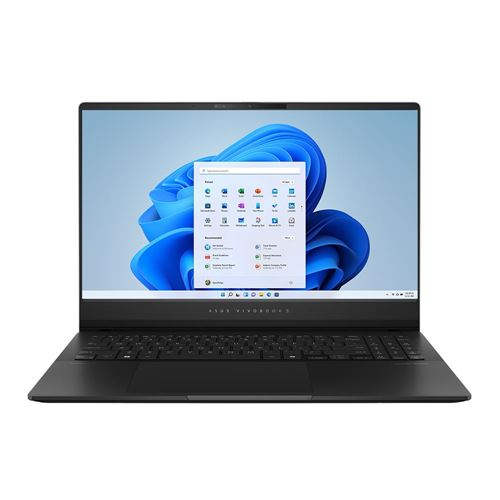
Shop our top picks for AI-ready systems, hand-selected to deliver the performance you need for everything from LLM inferencing to generative AI development.
Shop All AI Pro Systems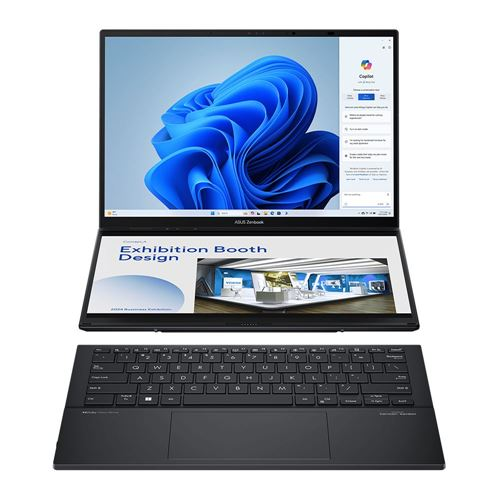
$1,376.99 $1,699.99
$1,279.99 $1,699.99
$1,299.99 $1,499.99

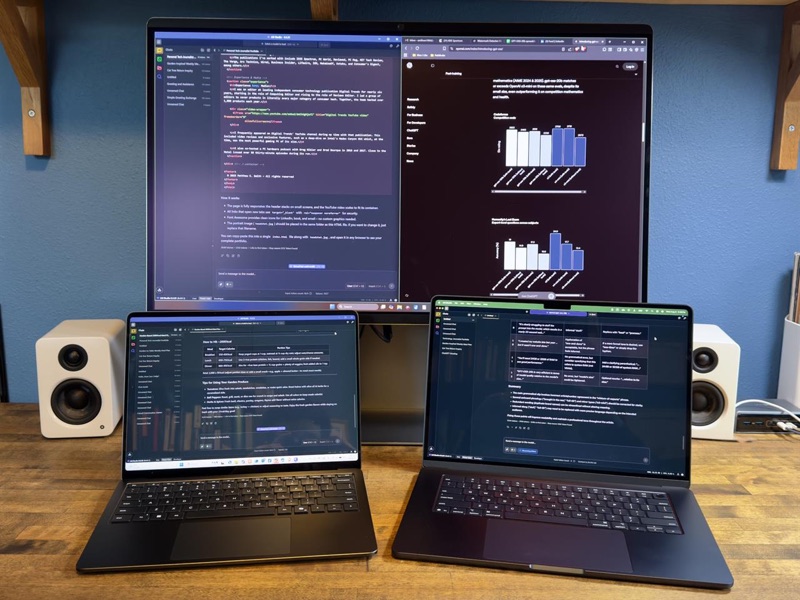
These new AI models from the maker of ChatGPT are available for anyone to download and run, if you have enough RAM and processing power.
View Full Article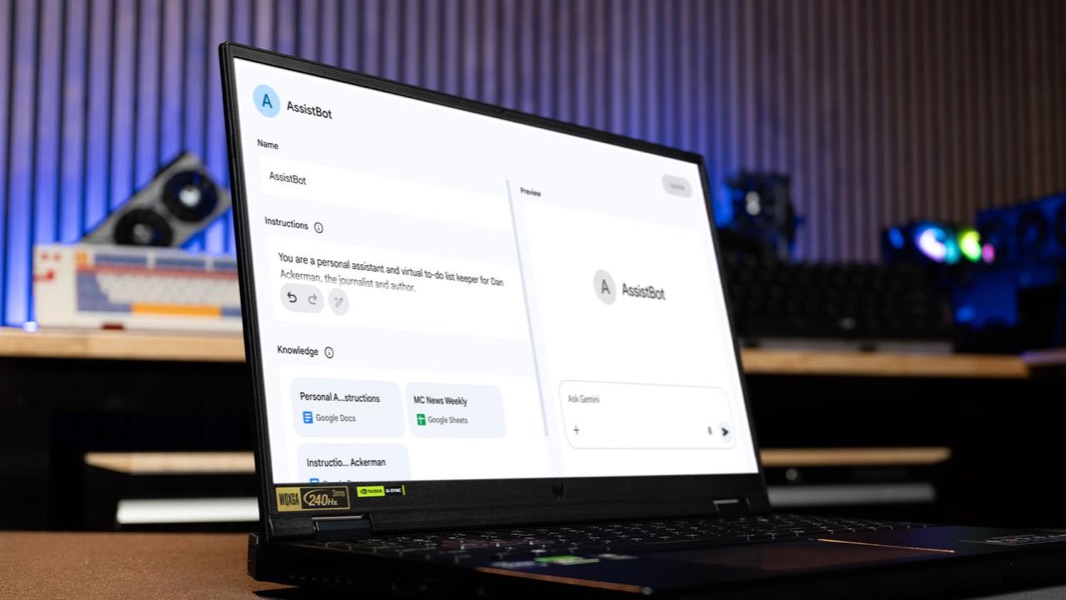
The key to customizing an AI tool to better understand you? Write it a job description.
View Full Article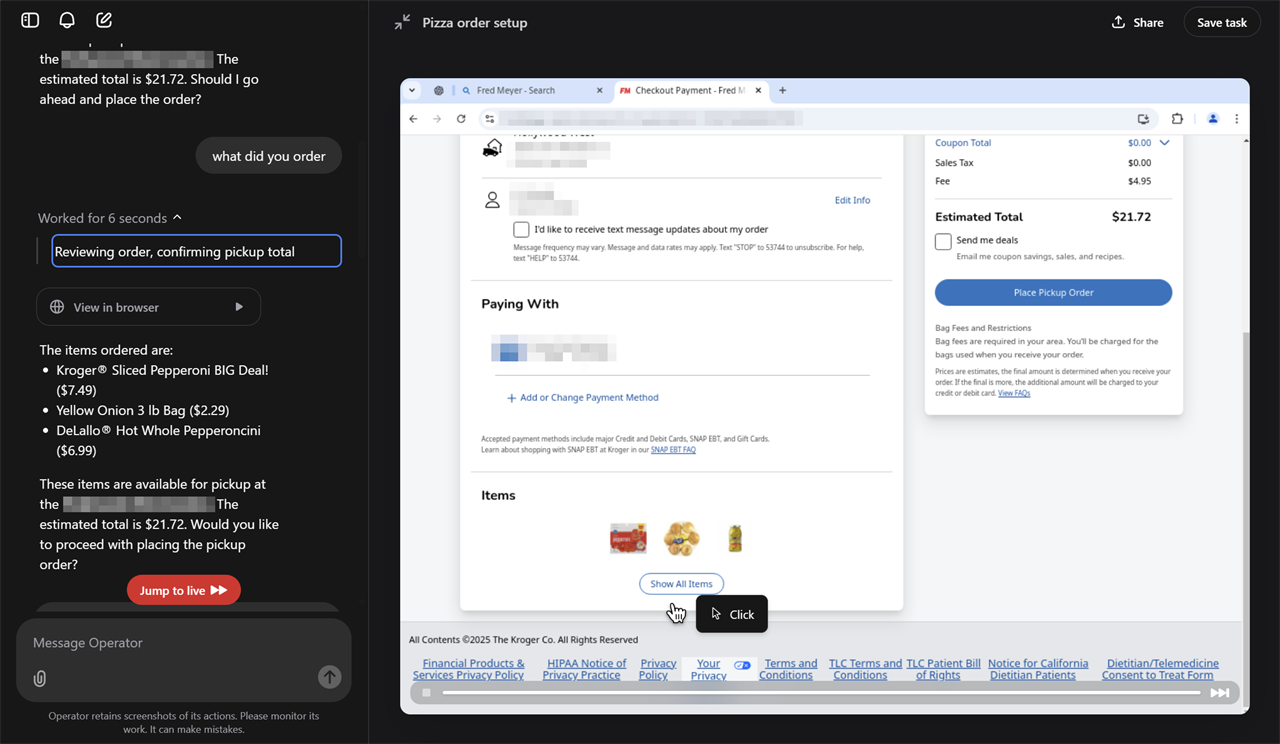
Operator, is available as a research preview for ChatGPT Pro subscribers. As promised, it can surf the web independently to accomplish tasks like online shopping. But how well does it work, and will it save you time?
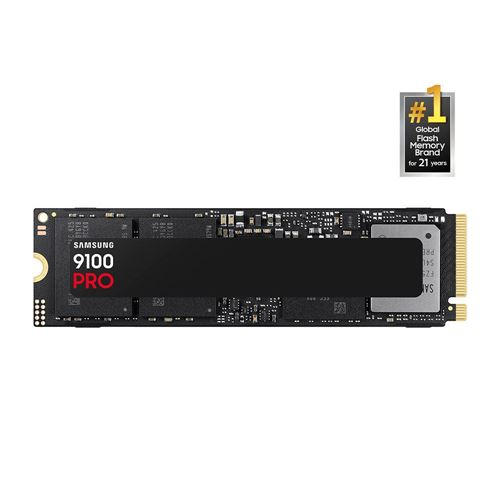
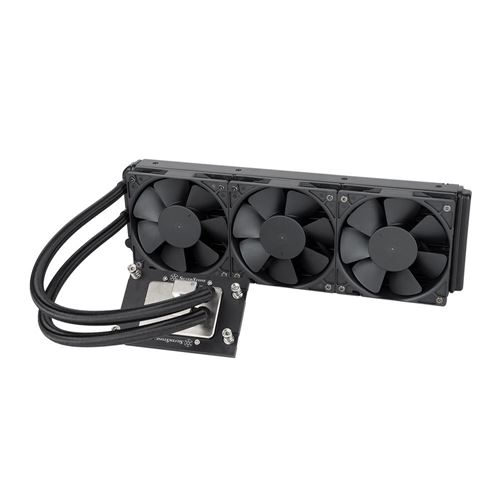
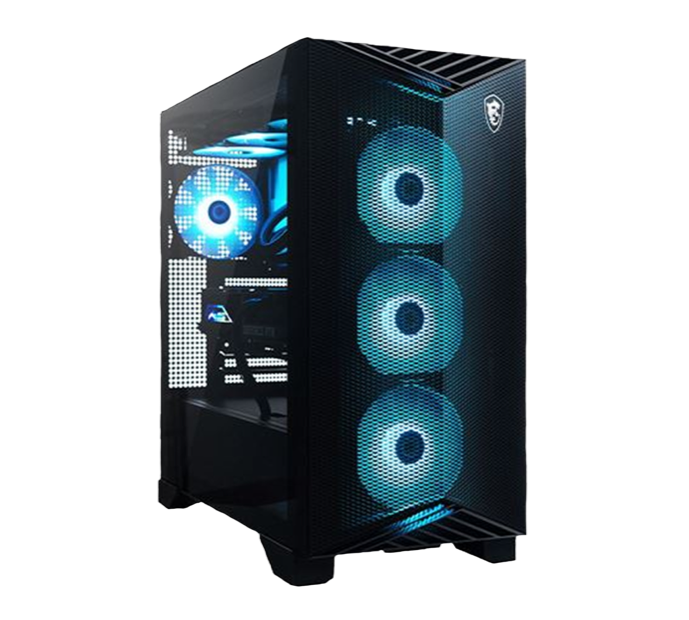
View Full ArticleMicro Center carries a full range of AI-ready systems and components. You can build your own or choose from complete OEM systems by HP, Dell, Lenovo, Apple, NVIDIA, and more. We are also the exclusive retail partner for the NVIDIA DGX Spark, a compact desktop companion for offloading AI workloads. For DIY builders, we stock Intel and AMD CPUs with NPUs, motherboards, RAM, storage, graphics cards, power supplies, and cases. We also offer custom build services if you prefer a system assembled for you. Our BYO and Systems experts are ready to help in-store.
The best system depends on the size of the LLM you plan to use, whether you will run it locally or in the cloud, and your application stack. Key guidelines include:
There is no universal AI benchmark yet. Performance depends on the workload. In general, VRAM is the most important factor, followed by RAM, CPU, OS, and storage. Independent reviews and YouTube benchmarks can show how similar systems perform under different workloads. For one-on-one advice, visit our BYO, Systems, or AI associates in-store.
Your choice depends on your coding languages, workloads, budget, and hardware. The main options are:
Micro Center updates our AI landing page, blog, and social channels with product releases, articles, and influencer reviews. For broader news, join active developer communities such as Kaggle and Anaconda, or follow AI leaders like OpenAI, Anthropic, xAI, and Google. AI is evolving quickly, from generative models to agentic AI. Staying connected helps you keep pace.